Why People Are Looking for Alternatives
Adobe Acrobat Pro costs $239.88 per year. For a tool that most people use to merge files, sign documents, and occasionally compress something, that is a lot of money. The free Adobe Reader can open PDFs but it cannot edit, merge, split, or sign them.
The truth is that for 90% of what people actually do with PDFs, you do not need Acrobat. Here are five tools that cover the basics for free.
1. ProPDFSuite
Best for: People who want to use tools immediately without creating an account.
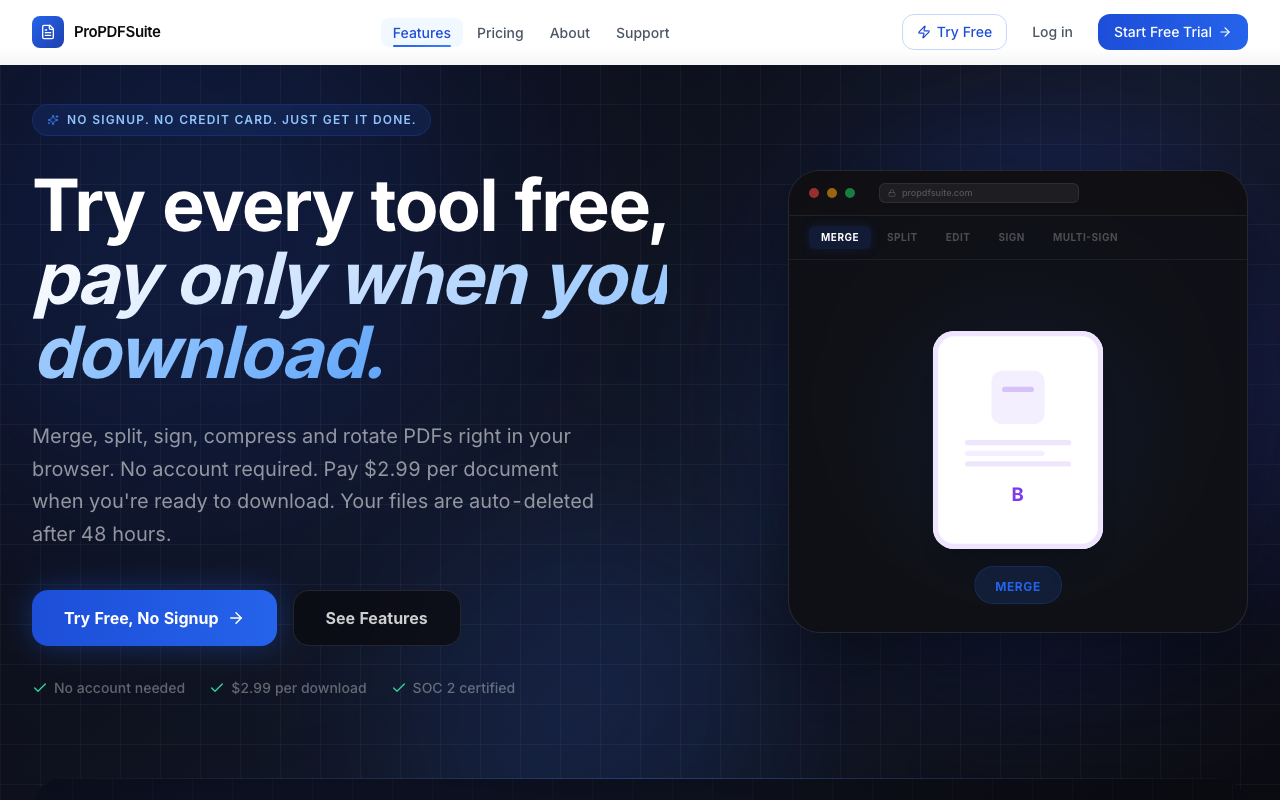
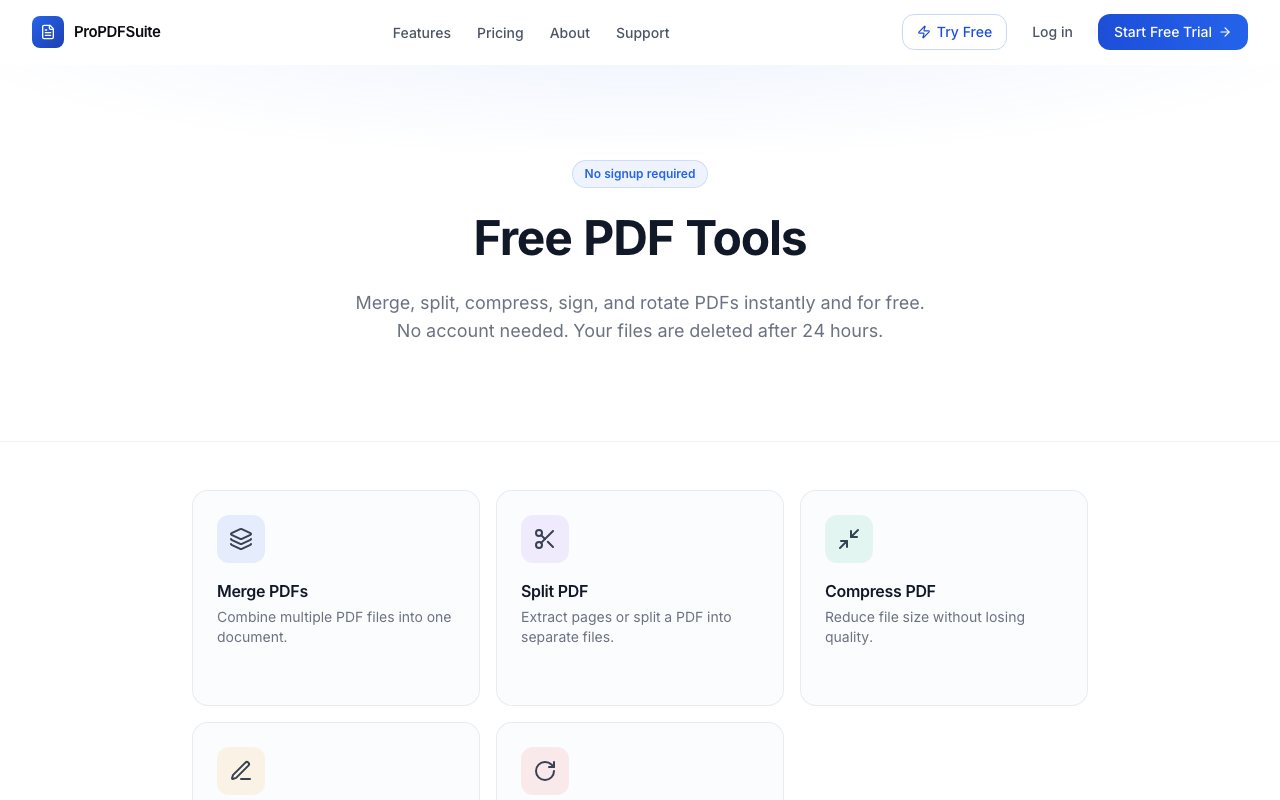
ProPDFSuite lets you merge, split, compress, sign, and rotate PDFs directly in your browser. There is no signup required to use any tool. You upload your file, do what you need to do, and download the result.
What you get for free: Full access to every tool. No watermarks on your first export. Files are automatically deleted after 24 hours.
Pricing: Pay as you go at $2.99 per download, or subscribe for unlimited use starting at $9.99 per month.
Limitations: Advanced features like OCR, redaction, and form building are not available yet (they are on the roadmap).
2. Smallpdf
Best for: People who need a wide variety of conversion tools.
Smallpdf offers over 20 PDF tools including conversions to and from Word, Excel, and PowerPoint. The interface is clean and the tools work well.
What you get for free: Limited to 2 tasks per day. Files are processed on their servers.
Limitations: The free tier is very restrictive. After two operations you hit a paywall. The pro plan is $12 per month.
3. iLovePDF
Best for: Batch processing multiple files at once.
iLovePDF has been around for years and covers all the standard operations: merge, split, compress, convert, watermark, and more. The batch processing is particularly strong.
What you get for free: Most tools with moderate limits on file size and number of operations per hour.
Limitations: The interface is cluttered with ads on the free tier. Some tools add a small watermark. Premium is $7 per month.
4. PDF24
Best for: Windows users who want a desktop app with no limits.
PDF24 is a German company that offers both a web version and a Windows desktop app. The desktop app is completely free with no limits on usage, no watermarks, and no ads. It is one of the most generous free PDF tools available.
What you get for free: Everything. The desktop app has no restrictions.
Limitations: The desktop app is Windows only. The web interface works on all platforms but has a slightly dated design. No electronic signature features.
5. macOS Preview
Best for: Mac users who need basic annotation and signing.
If you are on a Mac, the built in Preview app is more capable than most people realize. It can merge PDFs (by dragging thumbnails), add signatures, annotate, fill forms, and reorder pages.
What you get for free: Everything. It comes with your Mac.
Limitations: No compression tool. No batch processing. Splitting documents is clunky (you have to drag pages out one at a time). Not available on Windows, Android, or iPhone.
How to Choose
If you work on a Mac and only need basic editing, Preview is already on your computer. If you are on Windows and want unlimited offline use, PDF24 is hard to beat. If you need something that works on any device with no install and no signup, ProPDFSuite is the fastest way to get started.
The best advice is to not pay for a subscription until you are sure you need one. Start with the free tools, see if they cover your needs, and upgrade only when you hit a real limit.
Try ProPDFSuite
Open the tools page and try any tool right now. No account, no credit card, no commitment.