Why PDF Pages End Up Sideways
It happens all the time. You scan a stack of documents and some pages come out rotated 90 degrees. Or someone emails you a PDF where a few landscape pages are embedded in a portrait document, and your viewer shows them sideways.
The problem is that most PDF viewers let you rotate the view temporarily, but they do not save the rotation into the file. So the next person who opens it sees the same sideways pages all over again.
To actually fix it, you need to rotate the pages in the PDF itself. Here is how.
How to Rotate PDF Pages in ProPDFSuite
Step 1: Open the Rotate Tool
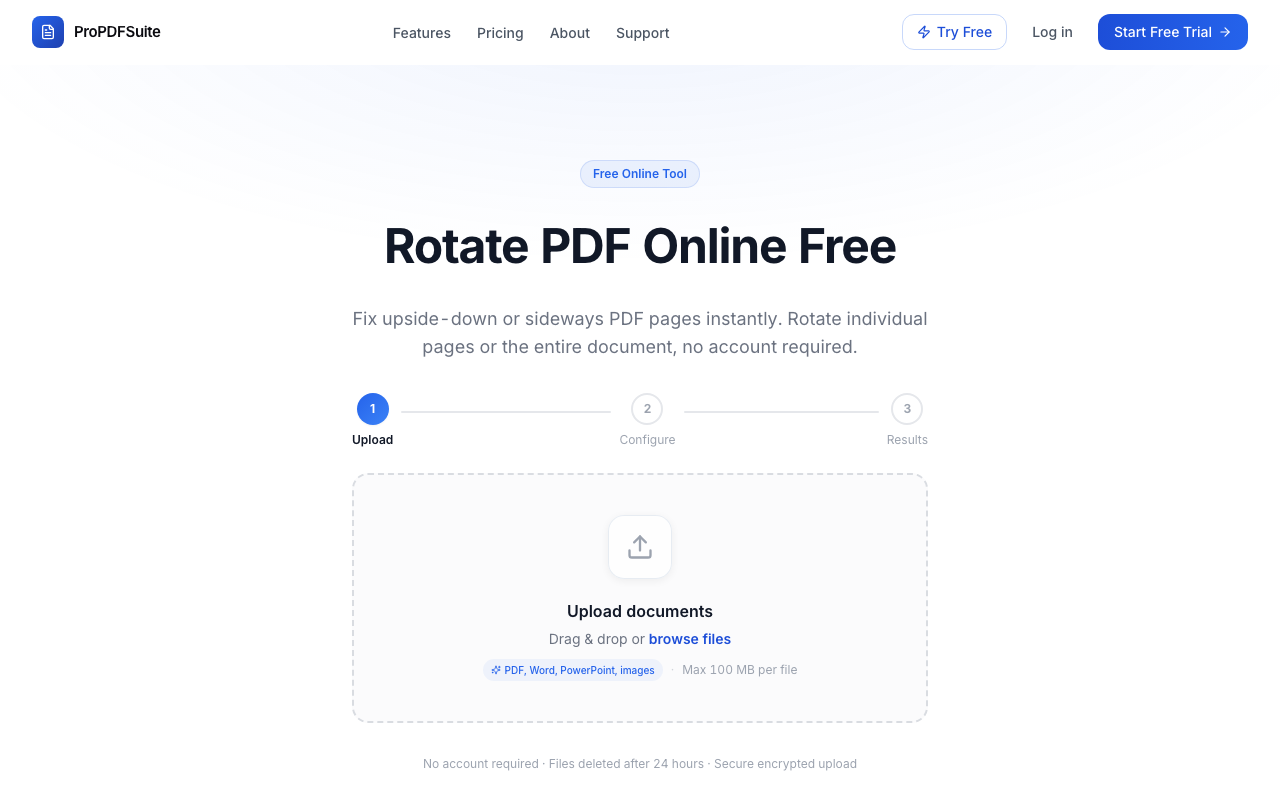
Go to propdfsuite.com/tools/rotate. No account needed.
Step 2: Upload Your PDF
Drag the file into the upload area. It works with any PDF, including scanned documents, image based PDFs, and text based files.
Step 3: Choose the Rotation
Select whether you want to rotate all pages or just specific ones. Then pick the angle:
- 90° clockwise for pages that are turned on their left side
- 90° counterclockwise for pages turned on their right side
- 180° for pages that are completely upside down
Step 4: Done
The rotated PDF opens in the editor where you can preview every page and make sure it looks correct. Download it when you are satisfied.
Does Rotation Affect Quality?
No. Rotating a PDF page is a metadata change, not a visual change. The content of the page is not recompressed or re-rendered. The pixels stay exactly the same; only the orientation flag changes. This means the output file is the same quality and roughly the same size as the original.
Fixing Mixed Orientation Documents
Sometimes you have a document where most pages are portrait but a few wide tables or charts are landscape. In ProPDFSuite you can select individual pages and rotate only those, leaving the rest of the document untouched. This is much faster than rotating the entire document and then rotating the correct pages back.
Try It
If you have a PDF with sideways pages sitting in your inbox right now, open the rotate tool and fix it in about 15 seconds. Free, no account required, and your files are deleted from our servers within 24 hours.